
Find files and search your knowledge
Your goal
Use file lookup or knowledge retrieval, then inspect the original evidence.
Before you start
Connect a local folder first. Practise in the demo vault if you prefer.
Steps
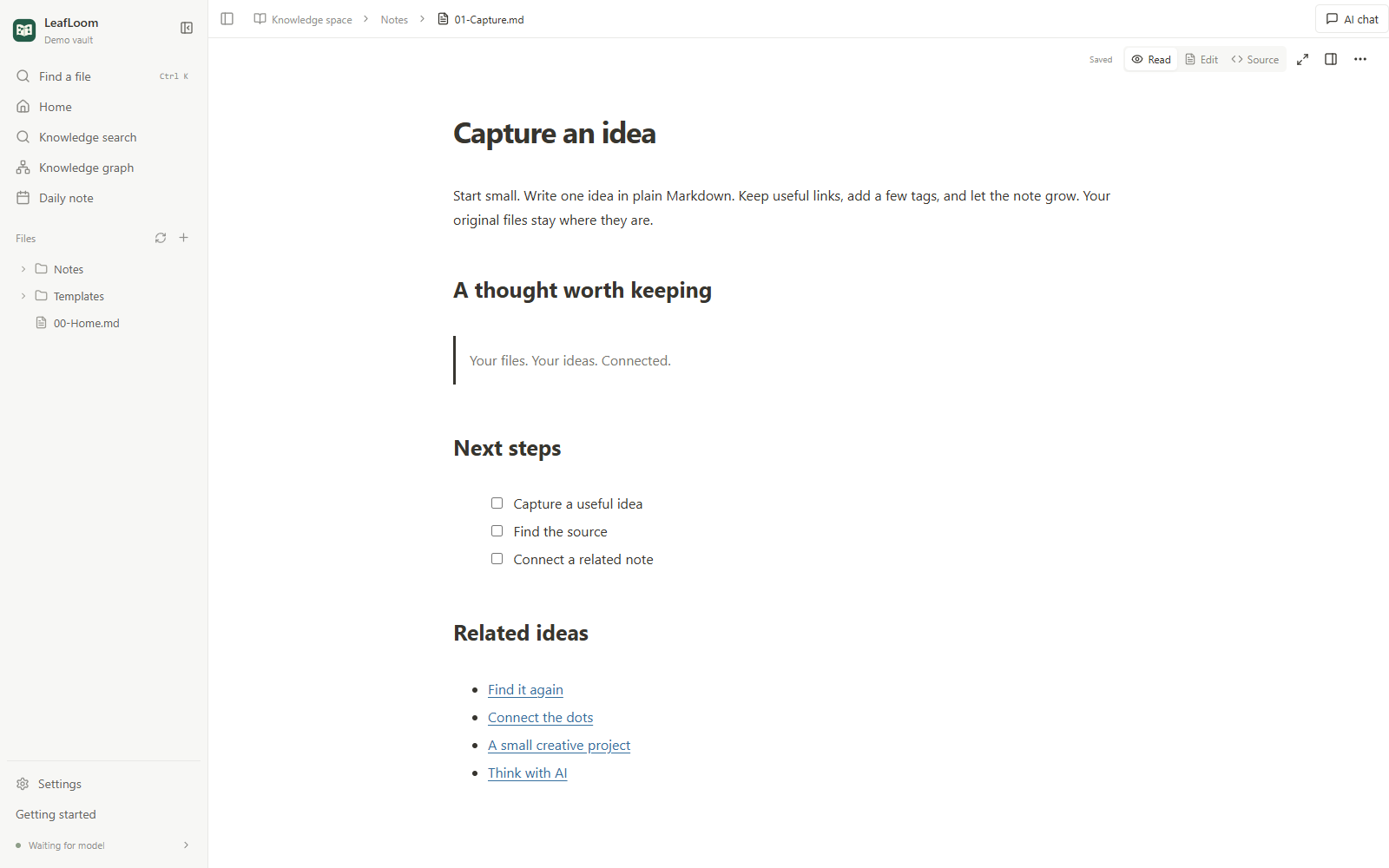
- Open a Markdown note from the sidebar and edit directly on the formatted page. View source opens its Markdown text. Ordinary edits autosave; save conflicts keep your draft so you can review and merge.
- Use New note to write an idea. Add
[[other note]]to connect it to another note. - Use
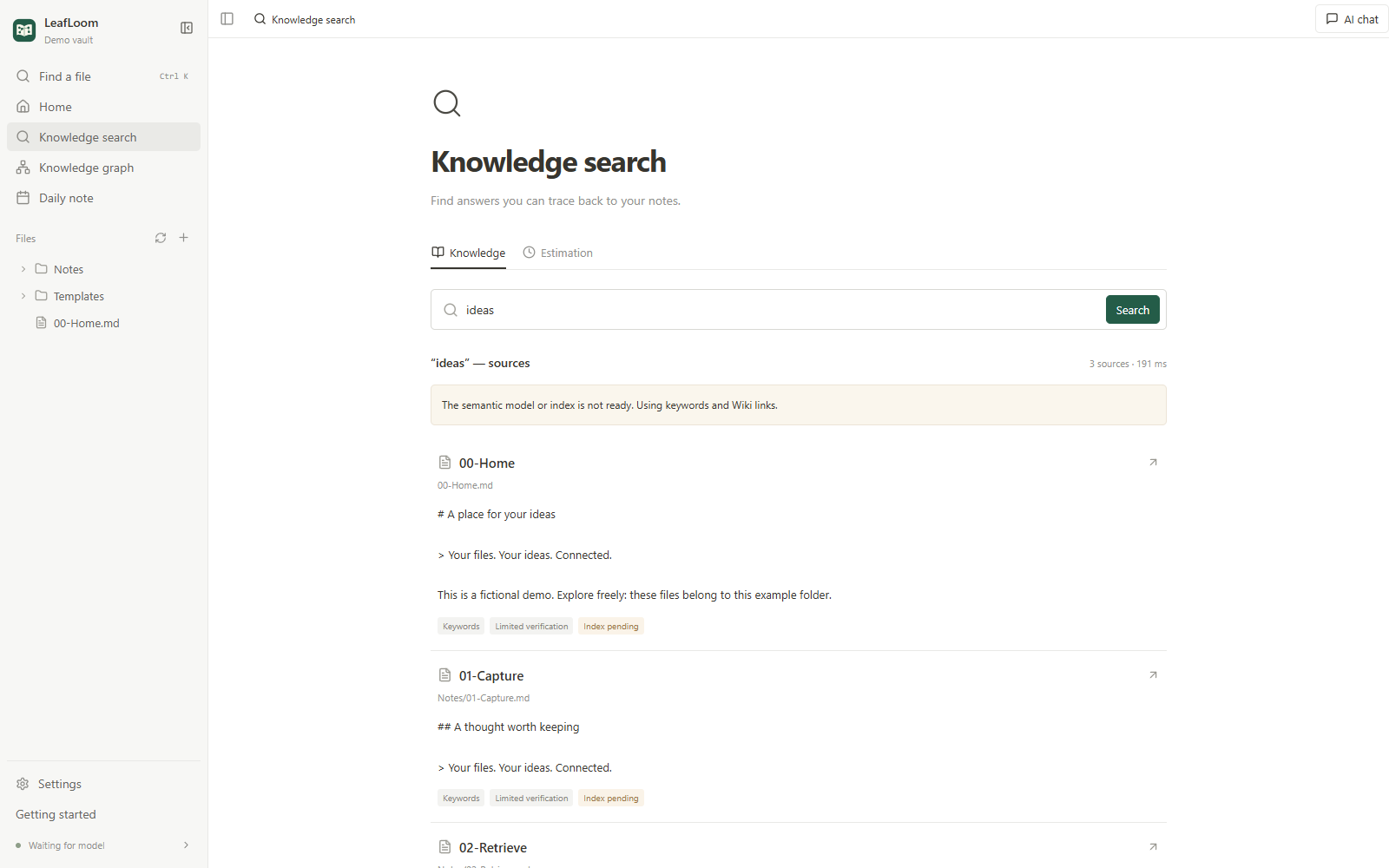
Ctrl/⌘+Kto find a file by name. Use Knowledge search for questions and keywords in your notes. - Open a search result to read the original evidence. Check its context and verification status before relying on it.
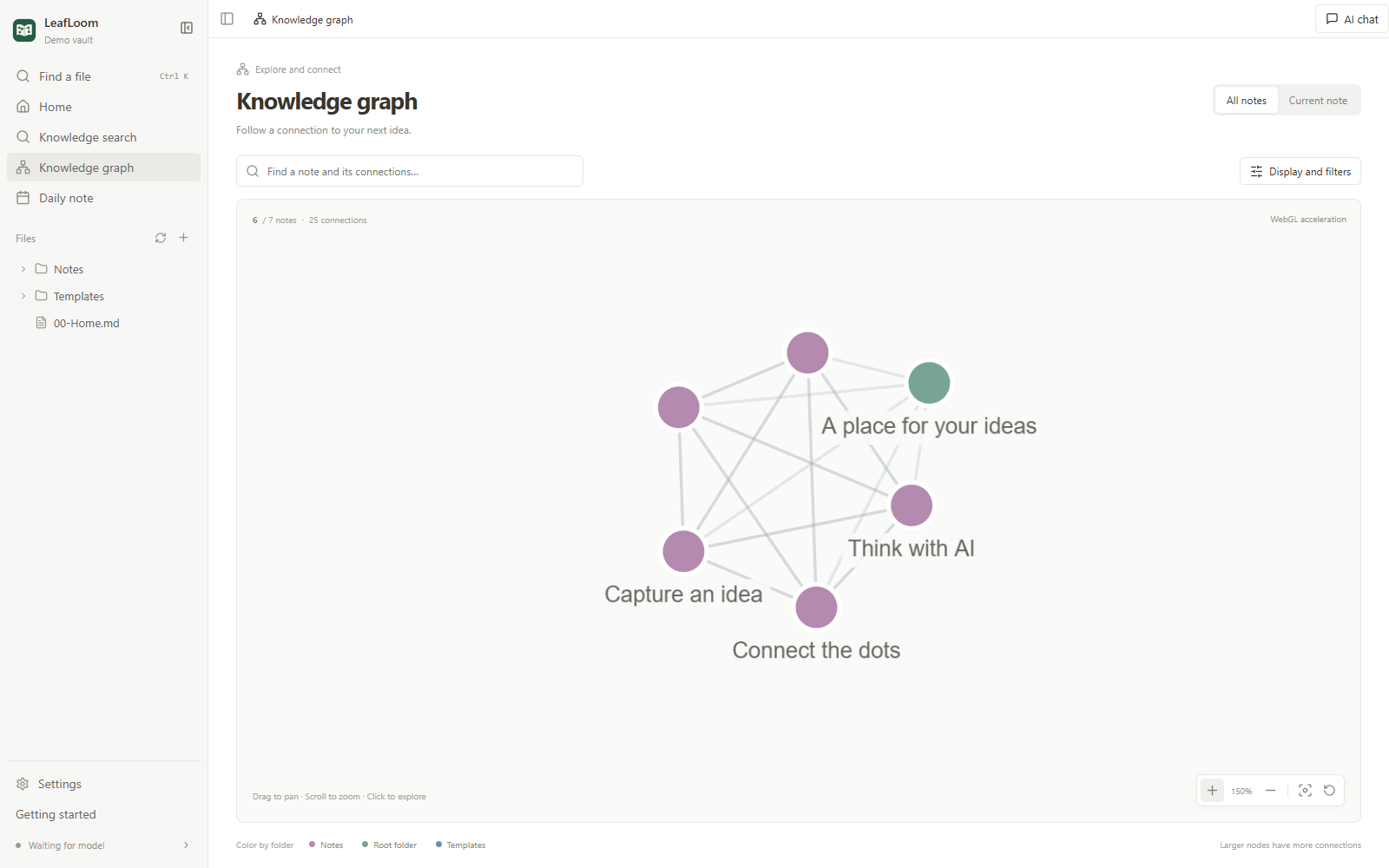
- Explore Knowledge graph. Search a note, filter folders, and follow nearby connections. A backlink needs another note that links to this one.
- The home checklist is optional. Mark steps complete, hide it, or reopen it with Getting started in the sidebar.
What to expect
File lookup finds names and paths; knowledge search returns evidence within its selected scope.
If it does not work
Check scope and index status when results are missing. Keep original notes intact.