
Connect your first vault
Your goal
Choose local material and separate browsing from retrieval scope.
Before you start
Practise with the demo; back up real notes before connecting them.
Steps
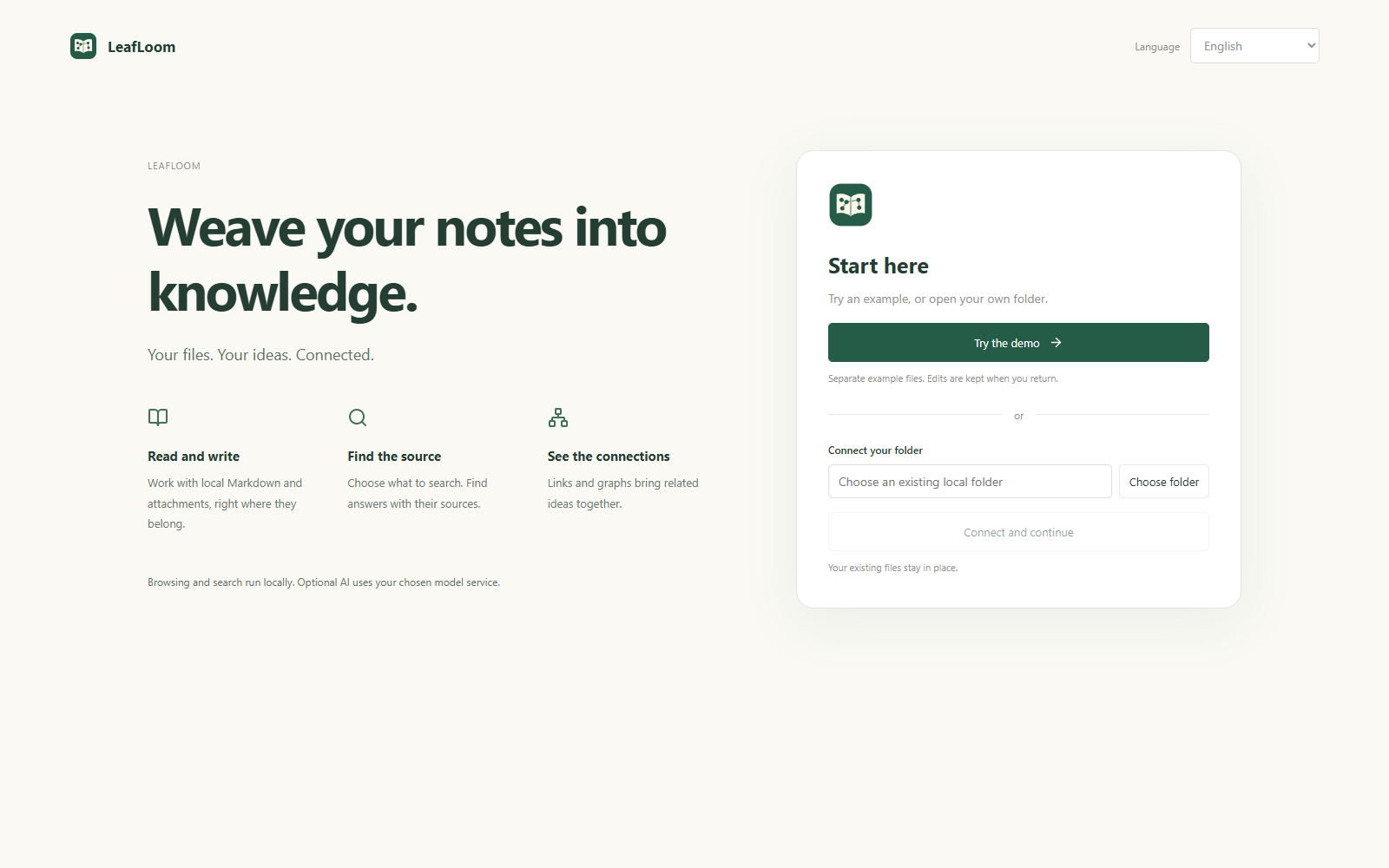
- Choose Try the demo vault, or Connect your own folder → Choose folder on the welcome screen.
- Connect and continue. Files stay in place; later saved edits modify those originals.
- Select folders for knowledge retrieval, or choose to browse for now.
- Start exploring. Change the connected folder or search scope later in Settings.
What to expect
You can browse immediately while the index prepares. Each demo language is independent and retains edits.
If it does not work
Use local paths. UNC shares, symbolic links and junction traversal are not supported.
Next steps
- Write and find your first note
- Choose what knowledge search can read
- Back up notes, comments and recovery data