
Explore links, backlinks and graphs
Your goal
Navigate related notes and discover their connections.
Before you start
Prepare at least two Markdown notes. The graph needs no semantic model.
Steps
- Type
[[, enter a name and choose the target by its full path. - Open the target and inspect incoming backlinks.
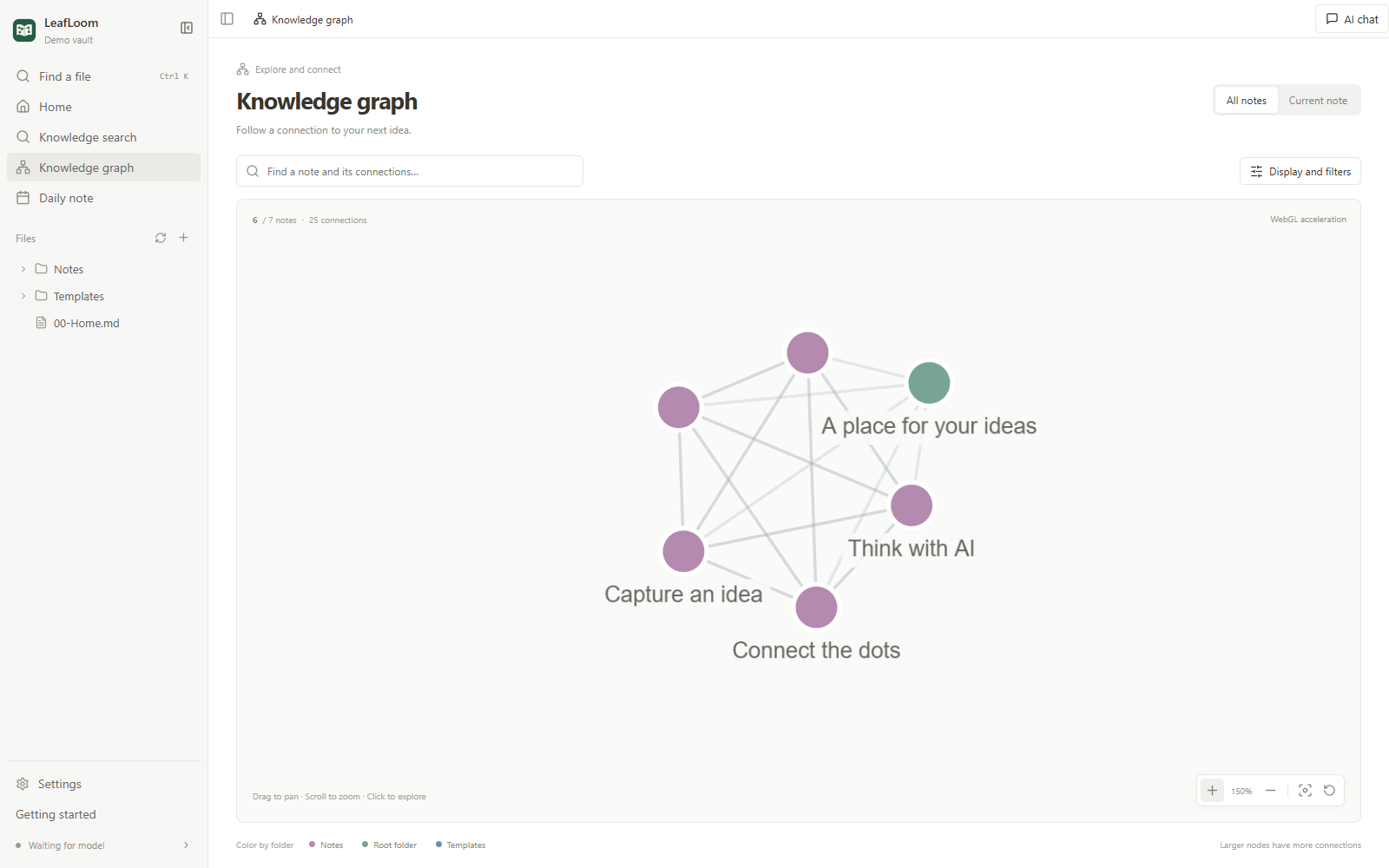
- Open the graph, search notes, filter folders and follow edges.
- Use full relative paths for duplicate names. Prefer LeafLoom for moves and renames.
What to expect
The graph represents local Markdown links, not semantic similarity or evidence reliability.
If it does not work
For missing edges, check target spelling and filters. Recheck links after renaming externally.
Next steps
- Use templates, daily notes and properties
- Find files and search your knowledge
- Restore note history and recycled files